Brella

[ GUIDES ]

How to use Brella OS.

Two complete guides, written against the real product and walked end to end with two policies — a restaurant with payroll and a landlord with four buildings. One for the agency that runs on Brella OS, one for the businesses it insures.

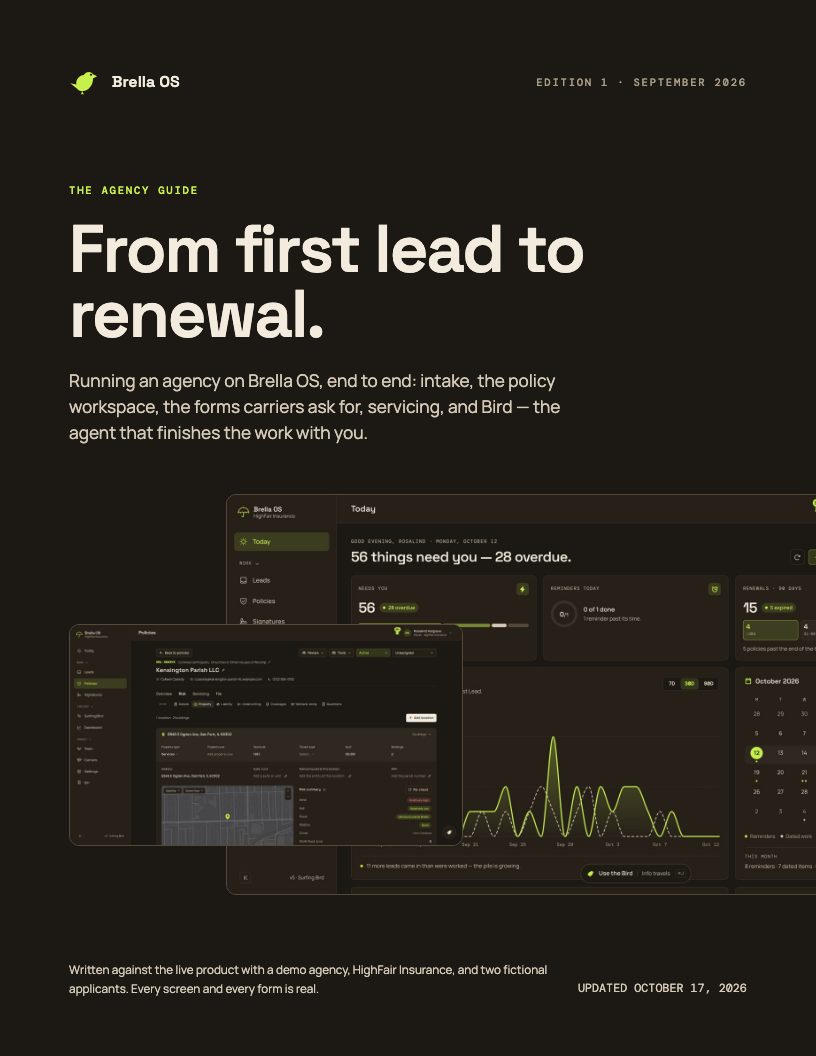
Cover of the agency guide[ AGENCY GUIDE ]

From first lead to renewal.

Running an agency on Brella OS, end to end: intake, the policy workspace, the forms carriers ask for, servicing, and Bird — the agent that finishes the work with you.

188 PAGES · 27.2 MB PDF · UPDATED OCT 17, 2026

  1. PART 01

    The workspace

    What Brella OS is for an agency, who can do what, and the three things you will use every day: Today, the bell and Bird.

  2. PART 02

    Intake

    Your customers apply through your own link, or you fill it in for them. Every lead lands in Leads, ready to work.

  3. PART 03

    The policy workspace

    Every lead and policy opens in the same workspace. Learn its layout once and every policy reads the same.

  4. PART 04

    Commercial property, four buildings

    Lakeshore Residential Holdings arrived with three apartment buildings. We price them, add a fourth, record general liability, answer underwriting, document every coverage decision and ask the customer for what is still missing.

  5. PART 05

    Out the door

    Before a submission goes to a carrier: find what will print blank and fix it — or have Bird fix it — move the stage with a term, generate the forms, and go through every one of them in Mirage, page by page, before you quote — and put the carriers’ quotes in front of the client as a proposal.

  6. PART 06

    A restaurant, with payroll

    Juniper & Rye arrived through the restaurant questionnaire with 24 employees. We re-file it as a business owner’s policy, complete the comp worksheet, rate GL on sales, and let Bird do the typing — including catching a contradiction.

  7. PART 07

    Servicing

    What happens during the term: certificates, claims, mid-term changes and reminders.

  8. PART 08

    Signatures

    Send anything to be signed — a broker of record letter, a no known loss letter, the insured’s coverage acknowledgement, any PDF — filled from the policy, printed on your letterhead, and filed back on the policy the moment the last person signs.

  9. PART 09

    Bird, in depth

    Where Bird lives, what it can and cannot do on its own, and how to get the most from it.

  10. PART 10

    Surfing Bird

    Every policy’s whole life on one screen — what it is and everything that happened to it, as a tree you click through — with Bird at the bottom to ask when something happened and who did it.

  11. PART 11

    Running the agency

    The views an owner or manager uses to see the whole book and keep the agency compliant.

  12. APPENDIX

    Reference

    Where each fact prints, the document set, and a checklist for a clean submission.
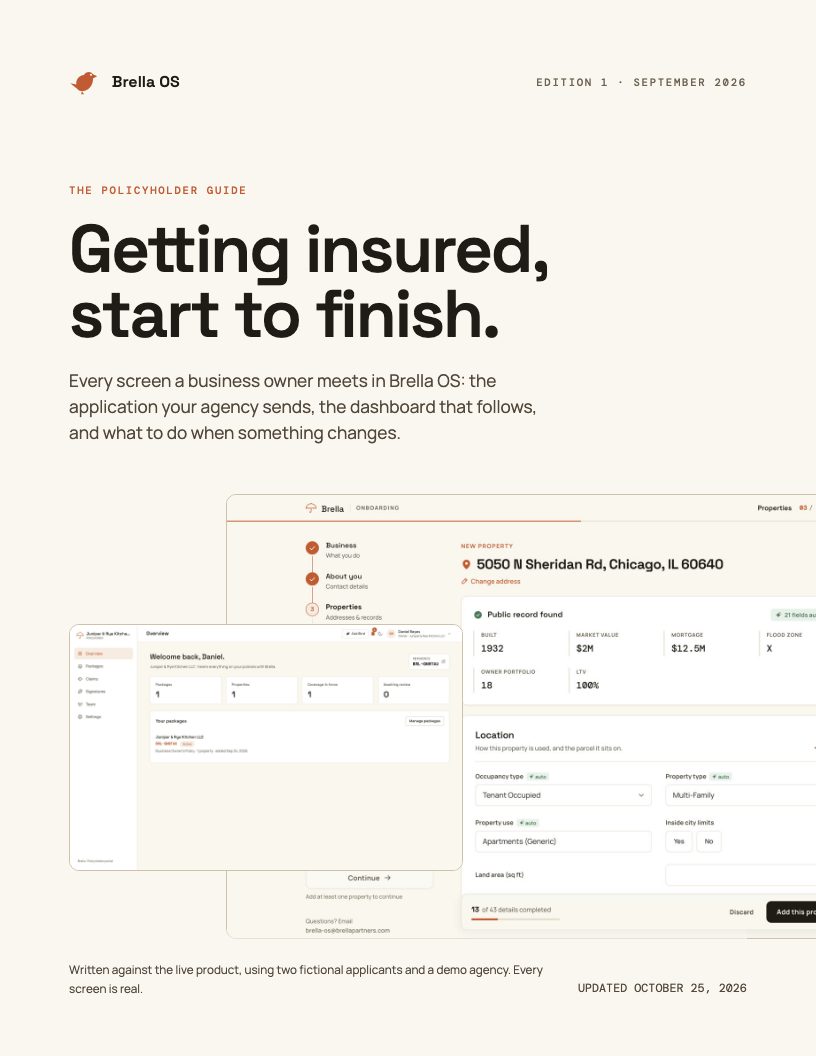
Cover of the policyholder guide[ POLICYHOLDER GUIDE ]

Getting insured, start to finish.

Every screen a business owner meets in Brella OS: the application your agency sends, the dashboard that follows, and what to do when something changes.

69 PAGES · 8.1 MB PDF · UPDATED OCT 17, 2026

  1. PART 01

    Before you start

    What Brella OS is from your side of the table, who you will meet in this guide, and what is worth having to hand before you open the link.

  2. PART 02

    The first three steps

    Every application starts the same way: open the link, tell Brella what your business does, and say who you are.

  3. PART 03

    Road A — a questionnaire

    Most business types answer the insurance company’s own questions for that trade. We follow Daniel through the restaurant questionnaire and the workers’ compensation step.

  4. PART 04

    Road B — property, several addresses

    Landlords and property owners add their buildings by address. Brella fills in what the public record knows; you complete the rest. We follow Maya adding three apartment buildings.

  5. PART 05

    Documents, review, submit

    The last three screens are the same on both roads: attach what you have, read it all back once, and send it to your agency.

  6. PART 06

    Your policyholder portal

    Your portal is where you follow everything after you submit: status changes, questions from your agent, messages, documents, claims and changes.

  7. PART 07

    When something happens

    Losses and changes both start in your portal. We follow Maya reporting a burst supply line, and asking for a fifth building to be added.

  8. PART 08

    Signing documents

    Your agency can send you documents to sign — a letter appointing them as your broker, a no known loss letter, a summary of the coverages you chose, your applications and the forms a carrier needs. You sign them on screen, and you keep a signed copy.

  9. PART 09

    Your team and your account

    Bring in the people who help you run the business, and keep your account details in order.

  10. APPENDIX

    Questions and words

    Short answers to what people ask most, and the insurance words used in this guide.